HibouAir Mobile Application

Air quality monitoring from your phone

The HibouAir mobile application gives users a simple way to monitor, visualize and manage HibouAir air quality data directly from a smartphone. Use guest mode for nearby Bluetooth devices, or log in with a Cloud Enterprise or Cloud Lite account to access registered devices remotely.

iOS and Android Bluetooth access Cloud login Data export
HibouAir mobile application smartphone screen placeholder
Guest mode Cloud login Pull to refresh Export data
HibouAir mobile app overview placeholder
App overview

One app for local access and cloud-connected monitoring

HibouAir offers Cloud Enterprise, Cloud Lite, Desktop and Standalone air quality monitoring solutions. The mobile application works seamlessly across these workflows, making it useful for quick local checks, setup tasks, device review and remote cloud access.

Use guest mode to scan nearby devices over Bluetooth Low Energy.
Log in to view cloud-connected devices from anywhere.
Review real-time data, historical charts and exported measurements from your phone.
Access modes

Choose guest access or cloud login

The app starts with two simple options. Guest mode is ideal for quick local Bluetooth access, while login mode connects cloud users to registered devices and remote data.

Local Bluetooth access

Guest mode

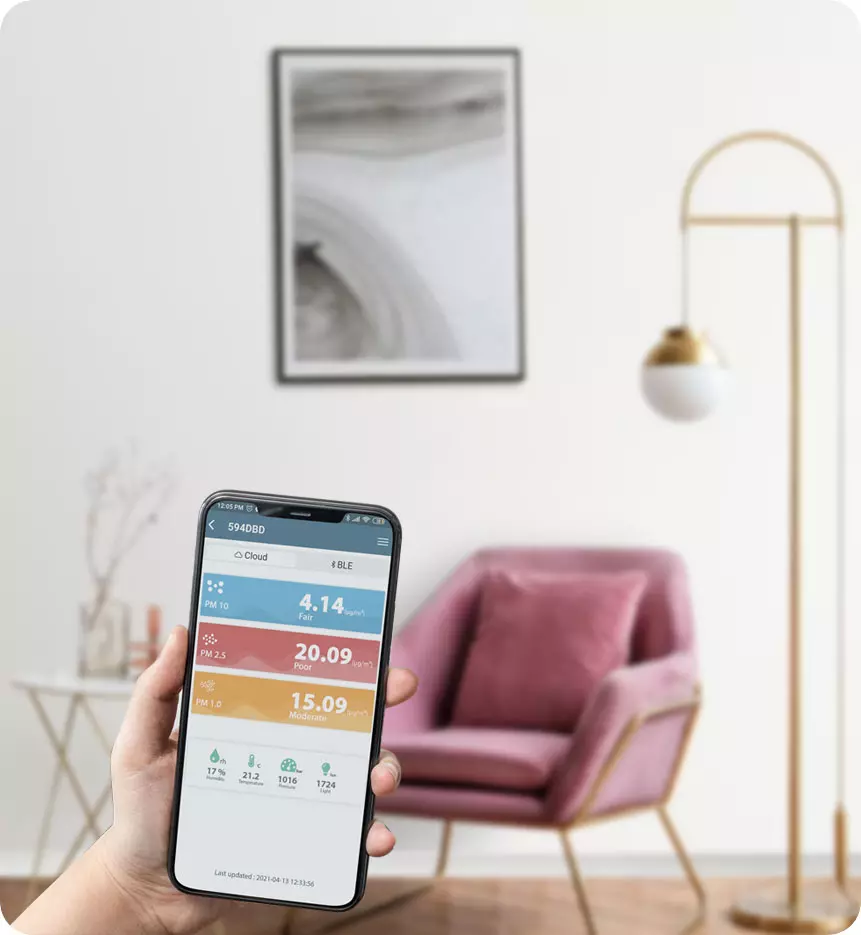
Guest mode lets users view real-time air quality data from nearby HibouAir devices over Bluetooth Low Energy. No cloud account is needed for quick local checks.

  • Scan nearby HibouAir devices
  • View device type and board ID
  • Open real-time air quality readings
  • Pull down to refresh
  • Access historical data stored on the device
  • Export and share data
See guest mode features
Cloud Enterprise & Cloud Lite

Login mode

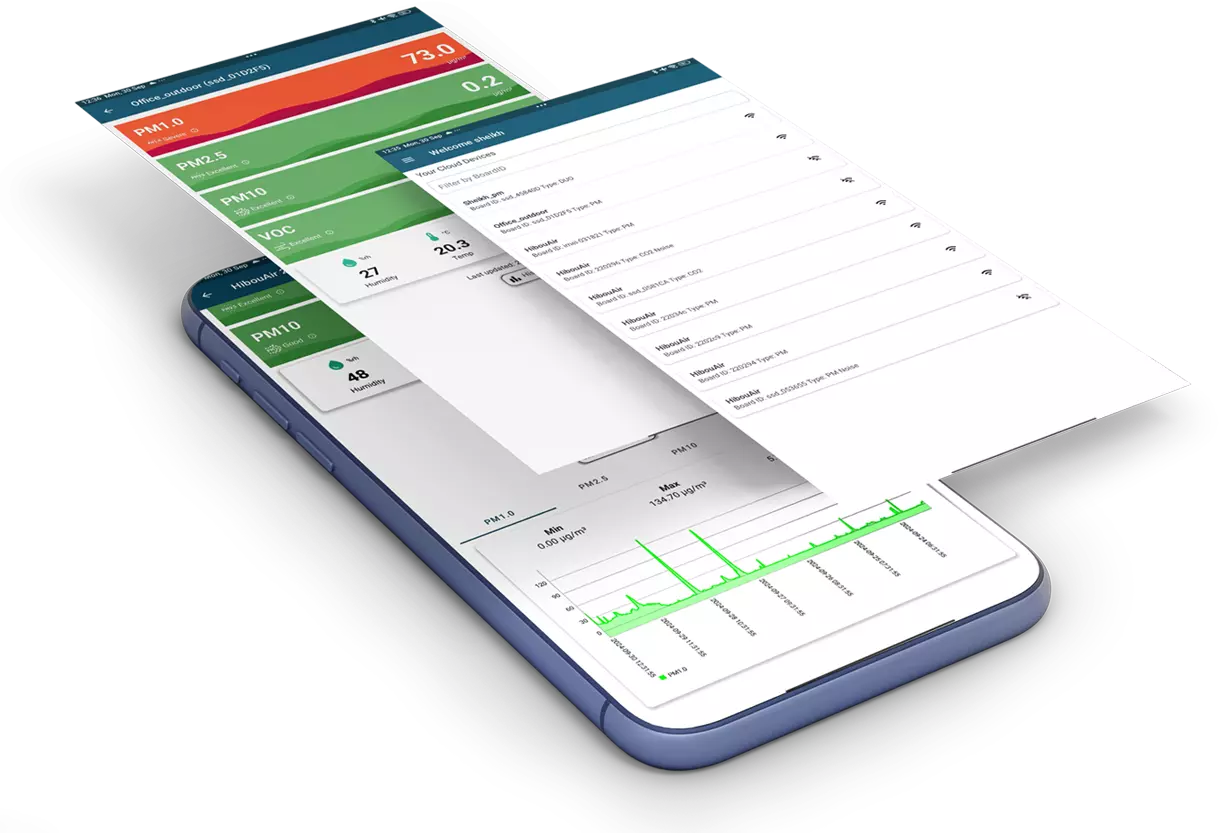
Login mode is used with HibouAir Cloud Enterprise or Cloud Lite accounts. It gives users access to registered devices, online/offline status, remote data and cloud-connected monitoring from anywhere.

  • View registered cloud devices
  • Check board ID, type and status
  • Access devices from different locations
  • Configure cloud Wi-Fi setup for nearby devices
  • View historical charts and selected time frames
  • Filter device list quickly
See cloud login features
History and export

Historical charts, CSV export and advanced reports

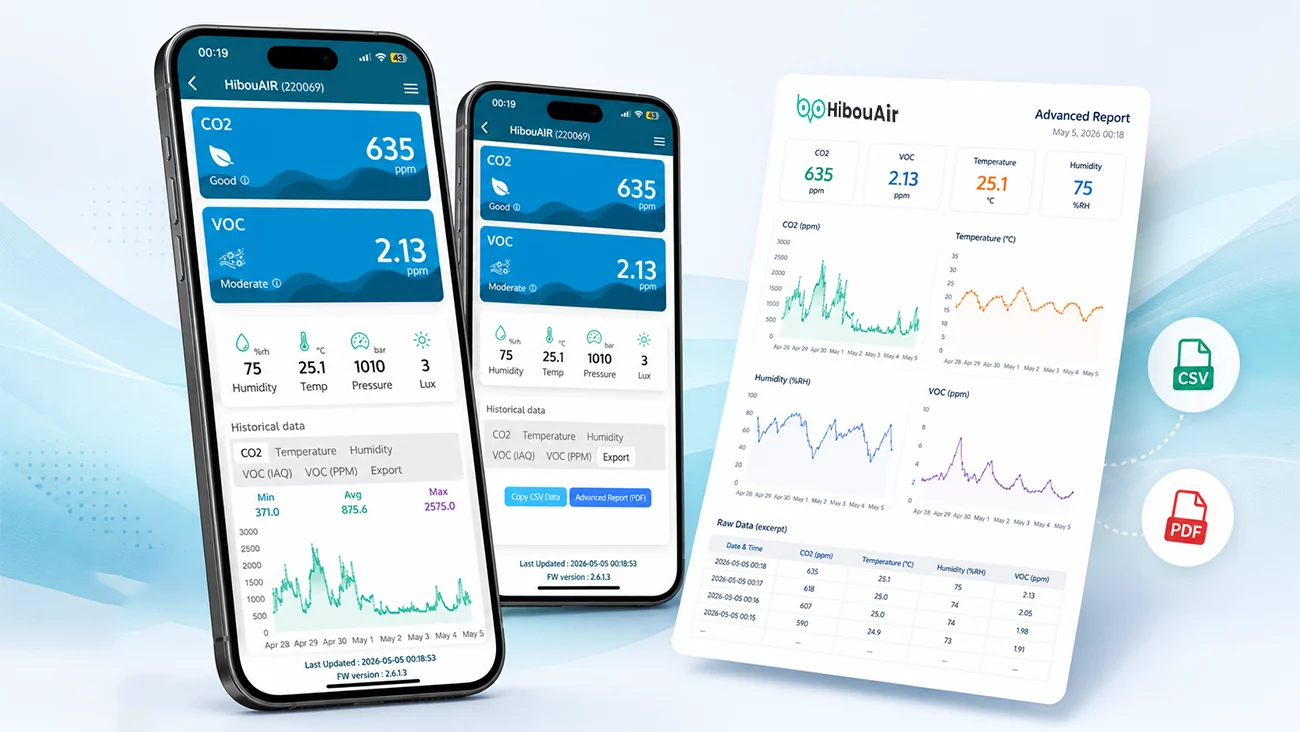
The HibouAir mobile application can display historical charts and export air quality data for further analysis. Users can export CSV data and create advanced reports that include detailed parameter charts and raw data tables, making it easier to document indoor air quality conditions directly from a phone.

Historical chart and export placeholder for HibouAir mobile app

Interactive charts

Tapping a point on the chart reveals detailed readings and timestamp information.

CSV export

Export measurement data in CSV format for analysis or sharing.

Advanced report

Create advanced reports with device parameter charts and raw data tables.

Share from phone

Share exported data or reports by email or open them in another application.

Historical data availability depends on the device being powered and collecting readings.
Cloud setup

Connect nearby devices to the cloud

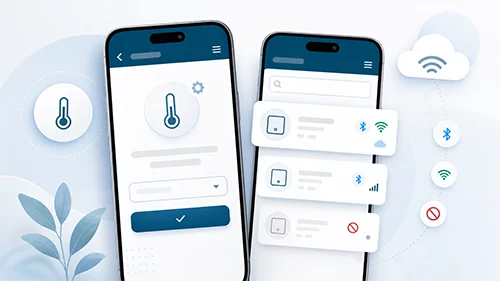
For compatible HibouAir cloud devices, the mobile application can help complete Wi-Fi setup. The device list shows useful indicators such as Wi-Fi/cloud connection and nearby Bluetooth availability. If a nearby device is not yet connected to the cloud, users can open the device detail screen, enter Wi-Fi credentials and connect it to the HibouAir cloud.

1

Find nearby device

The app scans nearby HibouAir devices and shows Bluetooth availability.

2

Open device details

Select the device that needs cloud setup.

3

Enter Wi-Fi credentials

Use the app menu to enter the Wi-Fi network information.

4

Access remotely

Once connected, the device data becomes available remotely through the cloud account.

Everyday tools

Simple tools for everyday use

Temperature unit settings

Switch the temperature display between Celsius and Fahrenheit based on user preference.

Device list filtering

Use the filter feature to quickly find a specific device by board ID or other device information.

Status indicators

Use Wi-Fi/cloud and Bluetooth indicators to understand whether a device is cloud-connected, nearby or offline.

Settings and device filter placeholder in HibouAir mobile app
Video walkthrough

Watch the mobile application walkthrough

See how the HibouAir mobile application works in guest mode and cloud login mode, including Bluetooth scanning, real-time readings, historical charts, export, Wi-Fi setup and device filtering.

Use cases

Useful wherever air quality needs quick access

Facility teams

Check nearby devices during inspections and view cloud-connected devices across multiple spaces.

Office and building managers

Review air quality in conference rooms, offices and shared spaces directly from a phone.

Laboratories and research spaces

Access live and historical data from devices installed in different controlled environments.

Installers and technicians

Use Bluetooth scanning and Wi-Fi setup workflows during installation and maintenance.

Standalone monitoring users

Use guest mode for local readings and historical data without needing daily dashboard access.

Cloud users on the go

Log in to review cloud device status and real-time data while away from the monitored location.

Monitor HibouAir data from your smartphone

The HibouAir mobile application gives users a flexible way to check nearby devices, access cloud-connected data, review historical charts and support device setup from iOS and Android.

FAQ

HibouAir Mobile Application questions

Yes. The HibouAir mobile application is available for both iOS and Android.

Yes. Guest mode allows users to scan nearby HibouAir devices over Bluetooth Low Energy and view local real-time data.

Guest mode lets users scan nearby devices, view device type and board ID, check real-time readings, refresh data, view available historical charts and export data for sharing.

Login mode is used with HibouAir Cloud Enterprise or Cloud Lite accounts. It allows users to view registered devices, device status and cloud-connected air quality data from anywhere.

Yes. The app can export CSV data and create advanced reports with parameter charts and raw data tables for sharing, documentation or further analysis.

Yes, when historical data is available on the device or cloud account. The device needs to be powered and collecting readings before historical charts can show enough data.

For compatible cloud devices, the mobile application can support Wi-Fi setup by allowing users to enter Wi-Fi credentials and connect the device to the cloud.

Yes. The cloud device list includes filtering so users can quickly find devices by board ID or other device information.