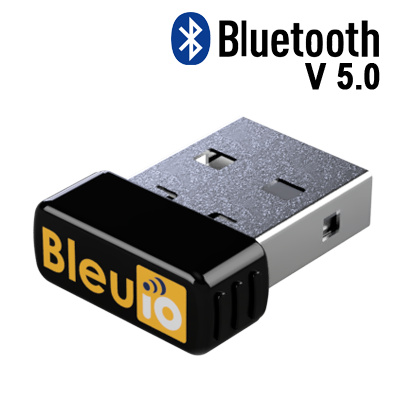
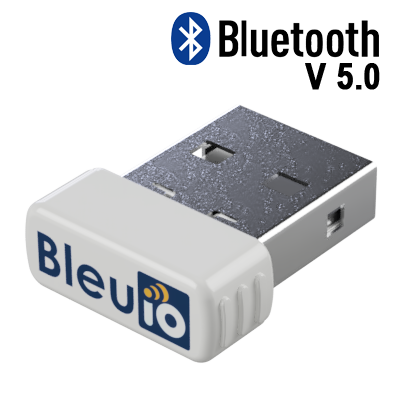
Bluetooth 5.0
Build and test BLE workflows with a compact USB dongle.
Bluetooth 5.0 USB dongle with simple AT command control
BleuIO is a Bluetooth Low Energy USB dongle that helps developers create BLE applications quickly without complex embedded development. Use the built-in AT command interface or available Python and JavaScript libraries to scan, advertise, connect and test BLE devices from your computer.
It is a practical BLE development tool for prototyping, learning, testing, automation and integrating BLE into desktop or IoT workflows.
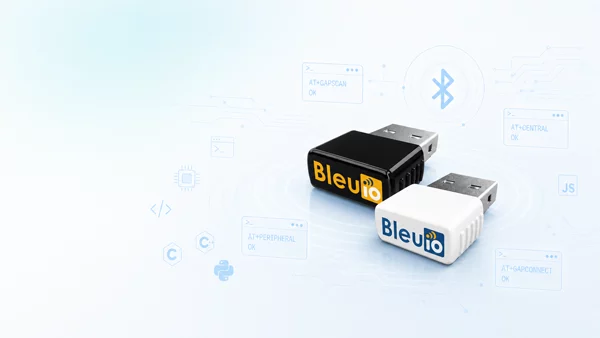
BleuIO combines a Bluetooth Low Energy radio and an easy USB command interface in one compact dongle. Developers can use terminal commands, Python, JavaScript or other desktop workflows to build BLE applications faster.
It helps reduce development time by removing the need to start with embedded SDKs, complex toolchains or custom firmware for every early test.
Build and test BLE workflows with a compact USB dongle.
Use simple serial commands to scan, advertise, connect and test BLE devices.
Work on Windows, macOS and Linux.
Use Python and JavaScript libraries for faster application development.
Store application and custom settings on flash.
Ideal for learning, testing and basic BLE applications.

BleuIO makes BLE development easier by exposing useful BLE functions through AT commands. This helps developers test BLE scanning, advertising, connections and data workflows directly from a serial terminal or application code.
BleuIO works across common desktop and embedded-adjacent development environments, making it useful for prototyping, testing and integration projects.
 Windows
 Linux
Linux
 macOS
macOS
 JavaScript
 C#
C#
 C
C
 Raspberry Pi
 Arduino
 STM
STM
 Renesas
 NPM
NPM
 Node.js
 PyPI
PyPI
 BeagleBoard
Both color options provide the same Bluetooth 5.0 BLE development workflow. Choose black or white for your setup.
Programmable Bluetooth central or peripheral USB device.
ECC, AES-256, SHA-1, SHA-256, SHA-512 and True Random Number Generator support.
Bluetooth 5.0 and USB Full Speed.
Renesas DA14683 Bluetooth SoC.
8Mbit Flash and OTP 64kbit.
1Mbit/s.
19.2 mm × 16.3 mm × 6.2 mm.
CE, FCC, KC, RoHS and REACH.
Follow the getting started workflow to create central, peripheral or scanning applications with BleuIO using simple AT commands and practical examples.
For larger deployments, custom workflows or product integration projects, contact the team to discuss requirements, configuration and volume needs.